On October 28, 2026, Shopify released its Fall ’26 Edition, titled "Exponential". Twice a year, Shopify bundles its updates into an Edition, and according to Shopify this one has more than 150. The big theme is AI agents: shoppers should be able to find products in ChatGPT, Gemini or Claude and pay right there. And Sidekick, the AI assistant in the Shopify admin, is meant to take on whole tasks instead of just answering questions.
Not all of it reaches Germany right away. Some features launch in other countries first, others are still in early access or arrive after Black Friday. So we sorted the announcements for stores selling in Germany: what you can use now and what will take longer. Last updated: November 2, 2026.
Shopping in ChatGPT, Gemini and other assistants
For shopping through AI assistants, Shopify announced three things:
shop.md: an extension for ChatGPT, Claude and other agents. It lets them search products from Shopify stores, more than a billion according to Shopify, and pay with Shop Pay.
Shop Pay in AI assistants: paying right in the chat, starting with Muse from Meta, Claude Duet and Instinct.
Google Search and Gemini: selling in AI Mode in Google Search and in the Gemini app, with checkout powered by Shopify.
For now, these channels target shoppers in other countries. Buying through Google and Gemini is rolling out for shoppers in the US, Canada and Australia, while ChatGPT and Microsoft Copilot focus on shoppers in the US. Shopify doesn't list Germany for any of them. For Google and ChatGPT, though, what matters is where your customers are, not where your store is based. If you sell to those countries, you can take part today. It's on by default for eligible stores, and you can manage it in the admin under Sales channels > Agentic.
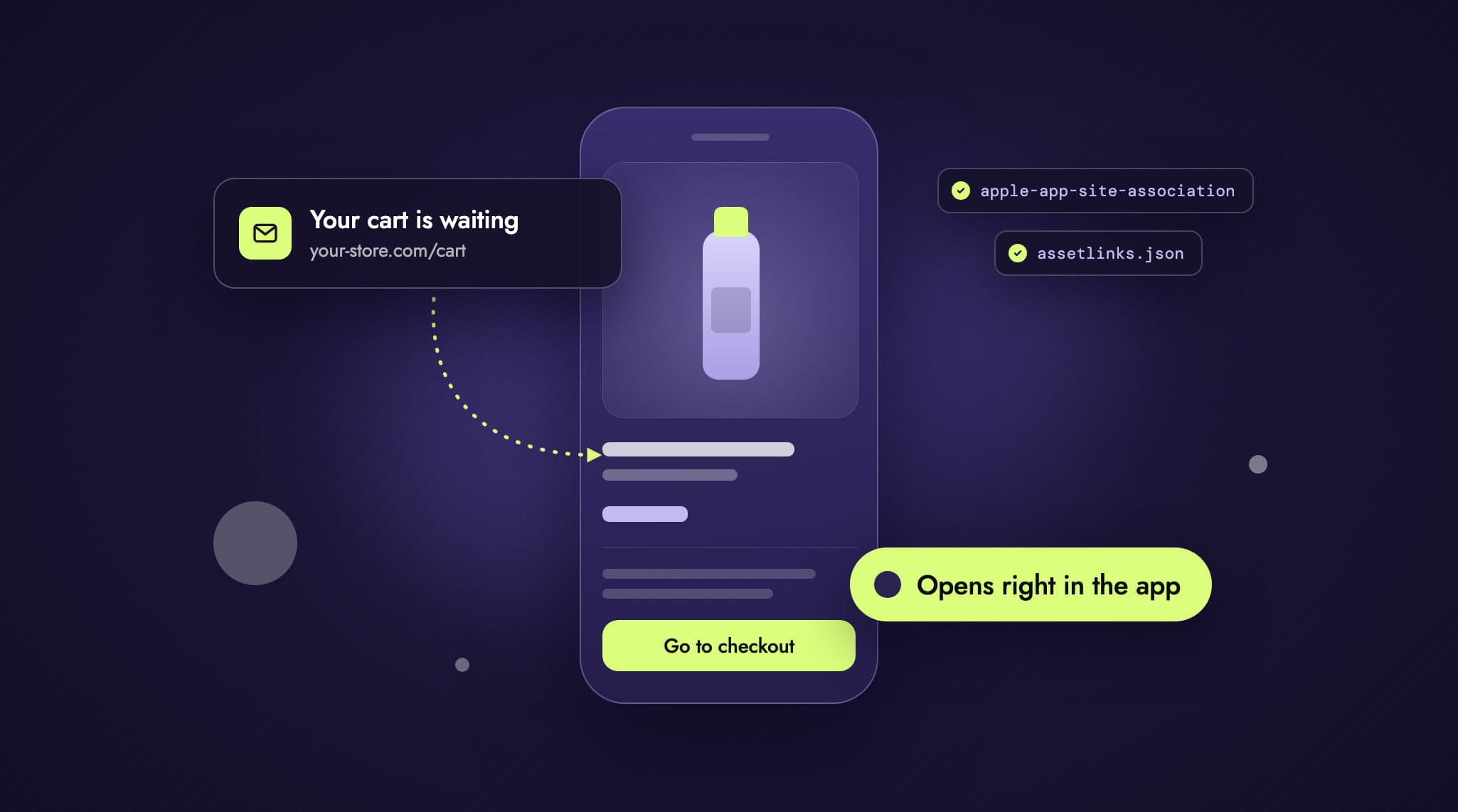
Getting ready still pays off, because agents can only recommend what they know about your store:
Check your Catalog status: The same section shows how many of your products are in Shopify Catalog, which is where agents get their product data. If it says "Ineligible", one click tells you why. Among other things, every product needs a title, an image, a price and its own product URL. Some categories are excluded entirely, such as alcohol, tobacco, CBD and medical devices.
Approve your business details: Since October 26, the section also has a Knowledge base with facts about your store, such as your return window, the countries you ship to or gift services. Shopify pulls them from your storefront and admin. Facts it finds on your website only reach agents after you approve them. Details from the admin, such as policies and contact information, are published right away. The page replaces the Knowledge Base app, which won't be available after January 15, 2027.
Complete your product data: GTINs, clean variants and compare-at prices. Shopify now passes compare-at prices to agents automatically, and each variant can have up to 20 barcodes.
Sidekick now handles whole tasks
Shopify has rebuilt Sidekick. It runs calculations, writes code, searches the web and remembers what you teach it. The biggest change is that it works through several steps in one go. You describe a task, say new descriptions for every product in a collection, and Sidekick collects the drafts. You review them and publish up to 50 changes at once. Nothing changes without your approval.
Sidekick also tests its suggestions now. Before it recommends a theme change, it runs the change through SimGym, a simulation with AI shoppers. Real customers never see it. Only some stores get these suggestions so far: they need recent sales and a live theme that works with Canvas, and only the desktop view is tested. A simulation is no substitute for an A/B test with real orders, but it can help you drop weak ideas before you spend time on a test.
Rollouts: plan and test your promotions
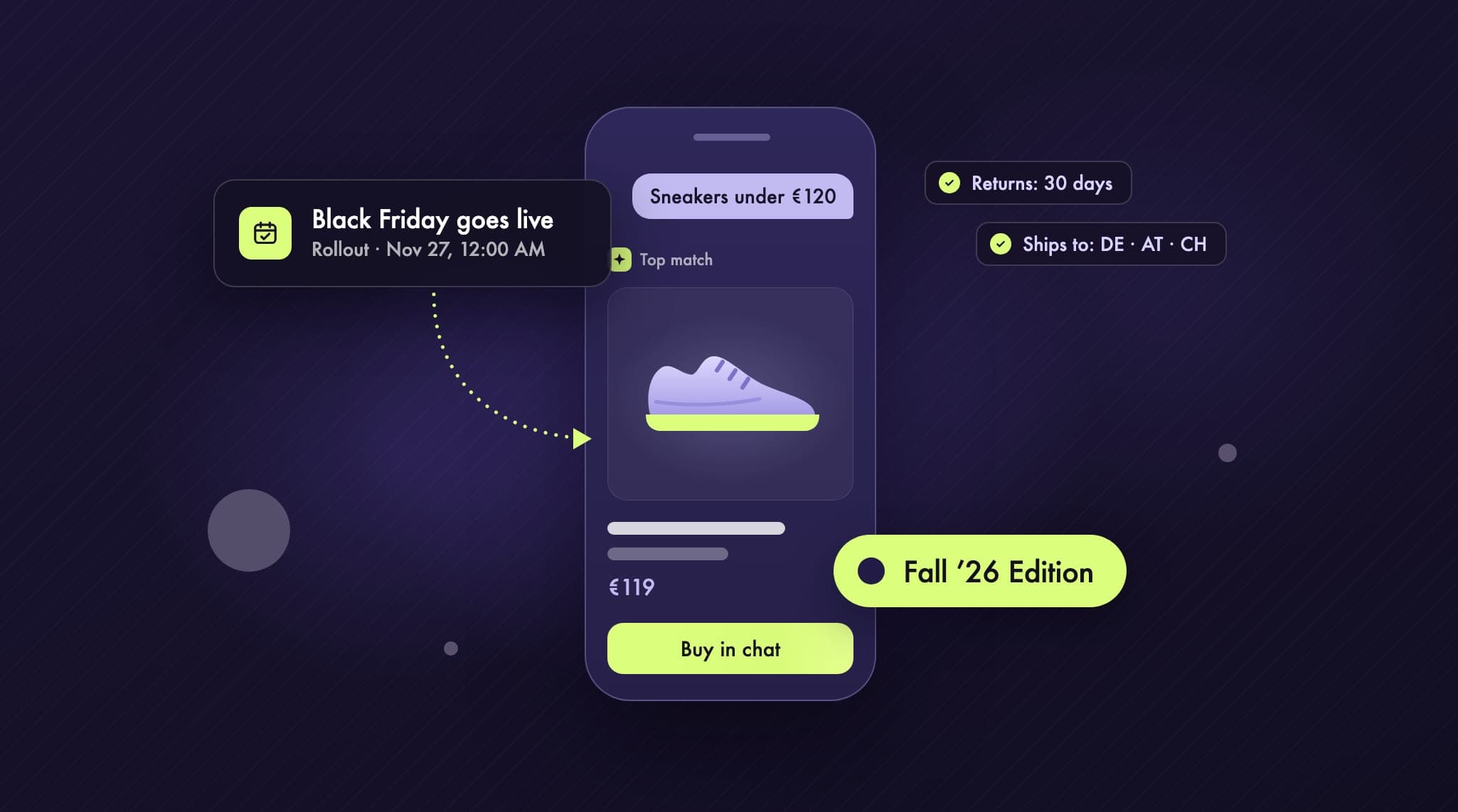
Rollouts have been around since spring and are available from the Basic plan up. They let you bundle changes into a package that goes live at a set time. What's new is that prices and discounts fit in too. A rollout can now combine a theme change, your checkout and customer account settings, prices and availability per market, and up to 250 discounts.
For Black Friday, you could set up an event: a banner in your theme, discounts and reduced prices, starting Friday at midnight and ending after Cyber Monday. On the end date, Shopify reverts everything automatically, so nobody has to stay up to do it. If the event runs for all visitors, prices and discounts also apply in headless stores, in your physical store with Shopify POS and in your product feeds for Google and YouTube. Theme and checkout changes only affect the online store.
Instead of an event, you can set up an experiment if you're on the Grow plan or higher. A share of your visitors sees the package, half by default, and you compare the results. Experiments only run in the online store. That lets you test whole promotions against each other, such as two discount tiers. For tests of individual elements, like the image order on a product page, we keep using a dedicated testing tool. Our A/B testing page explains how we approach it.
Checkout: custom fields after Black Friday
Custom fields: You'll be able to ask for delivery instructions and gift messages right in checkout, without an app. Plus stores get more field types. According to Shopify, the fields won't appear before or during Black Friday and Cyber Monday; after that, they show up in the checkout editor automatically.
Payment methods as tiles: Instead of a list with radio buttons, checkout shows payment methods as compact tiles, but only under certain conditions, for example if a store offers no more than four. Shopify is rolling this out gradually.
Later: a more compact form with clearer error messages, an animation after purchase, and Apple Pay via QR code for anyone shopping in Chrome, Edge or Firefox.
One thing has already changed at the bottom of checkout. Since October 26, there's just one link there, and it opens all your policies in a single window. Plus stores can hide this area and add their own links. It's worth checking that all your legal texts show up there.
Canvas: a new editor, still in early access
Canvas shows every page of your store on one surface. You zoom into individual sections and design them together with Sidekick. So far, Canvas is only available to selected stores, and Shopify doesn't say how they're chosen. It doesn't replace the theme editor yet.
Before you try Canvas, know its limits. It works with Shopify's own themes and with custom-built themes, not with third-party themes from the Theme Store. A theme you create in Canvas can only be edited there afterwards. It doesn't receive theme updates, app blocks and app embeds don't work in it, and you can't customize it per market. If your theme relies on lots of apps, Canvas isn't an option yet.
Canvas runs on a new theme architecture that Shopify has released as a developer preview. Existing themes keep working as before.
For headless stores and apps
Hydrogen, Shopify's toolkit for headless stores, got a new form in mid-October. It used to be a framework of its own; now it's a library that also works inside other frameworks, such as Next.js, or with Vue. It takes care of what every headless store needs: cart, customer accounts, search, markets and Shop Pay. Vercel has released Vercel Shop alongside it, an open-source template for Next.js. Existing Hydrogen stores keep running, and moving to the new version is optional.
Stores on a Liquid theme or on the new Hydrogen also automatically give AI agents in the browser a set of tools (WebMCP). With them, agents can search products, fill the cart and go to checkout. Payment only goes through once the shopper has approved it. So far, only Chromium browsers such as Chrome support this. For custom headless frontends without Hydrogen, Shopify doesn't describe anything automatic like this.
For shopping apps, version 4 of Checkout Kit came out on October 28. Apps use it to embed Shopify checkout. The app now learns what happens at every step of checkout, and tracking pixels run directly in checkout. Upgrading takes more than bumping a version number, because package names and events have changed. You'll find more on our pages about Shopify headless and shopping apps for Shopify.
A deadline for older apps
The Edition also covers a change that affects many stores on a Liquid theme. Script tags are an older way for apps to load JavaScript into your store. Since October 1, 2026, apps can no longer create new ones, while existing ones keep running. From March 1, 2027, Shopify will stop loading them on your storefront. If one of your apps still uses script tags, that part of the app will be missing from your store.
Ask your app providers whether they've made the switch. The replacement is app embeds, which you turn on per theme in the theme editor. Apps created directly in the Shopify admin can't offer app embeds, so their scripts have to go into the theme itself. Shopify's developer docs list the full timeline.
Smaller updates for everyday work
Variants on the product page: You'll edit products and their variants together, including several variants at once. Plus stores can turn this on now and will be switched over on December 12. Other plans follow gradually from December.
Automatic translations: The Translate & Adapt app now translates new and changed content every week, in up to eight languages instead of two. Since October 9, this applies to stores in Germany, Austria, Switzerland and other European countries. It's off by default, never overwrites your own translations and doesn't translate legal texts.
Passkeys: Sign in to the admin with a passkey instead of a password. You set it up under Security in your profile.
Analytics: your own notes in reports, for example when a campaign starts, and maps that show where your sales come from.
Shopify Flow: Workflows can now start when a product's price, tag or metafield changes.
Stock counts: You schedule counts in the admin, staff scan or type in the quantities, and you review them before inventory changes.
Shipping and payments: Stores in Germany can now buy DHL Express labels directly in the admin. New in Shopify Payments are Satispay for customers in Italy and MB WAY for customers in Portugal, among others. Alipay and WeChat Pay are in early access.
What launches in other countries first
Shopping through AI assistants: for shoppers in the US, Canada, Australia and a few other countries, see above.
Shop Promise: a badge for reliable delivery and returns, for US stores only.
Managed Markets: international selling with duties and taxes handled for you, for stores in the US and selected stores in Canada and the UK.
Managed sales tax: Shopify calculates and remits sales tax for you, for new US stores only.
Shop Pay Installments: new in Australia, in early access.
Multi-currency payouts are new in Australia, France, Singapore and Hong Kong. Stores in Germany on the Advanced or Plus plan could already use them.
What we would do before Black Friday
Check your Catalog status and business details. It takes less than an hour. If you sell to the US, Canada or Australia, it helps right away. For everyone else, it's groundwork.
Set up your promotion as a rollout. Banner, discounts and prices as an event with a start and end time, so nobody has to sit at the admin the night before Black Friday.
Leave your checkout alone. Custom fields won't arrive until after Cyber Monday anyway. If something changes before then, such as how payment methods are shown, place a test order on your phone.
Hand Sidekick the busywork. The product descriptions for your sale collection, for example. Read the drafts before you publish them.
Check your apps for script tags. That can wait until after the sale, but not until March.
Summary
With the Fall ’26 Edition, Shopify is pushing further into shopping through AI assistants. For stores in Germany, that's mostly groundwork for now. Rollouts, Sidekick and the Knowledge base are ready to use today, though, and the script tag deadline is one not to miss. As soon as Shopify opens shopping through AI assistants to customers in Germany, we'll update this article.
Want to know which updates are worth it for your store, or planning a headless store or an app of your own? Get in touch.