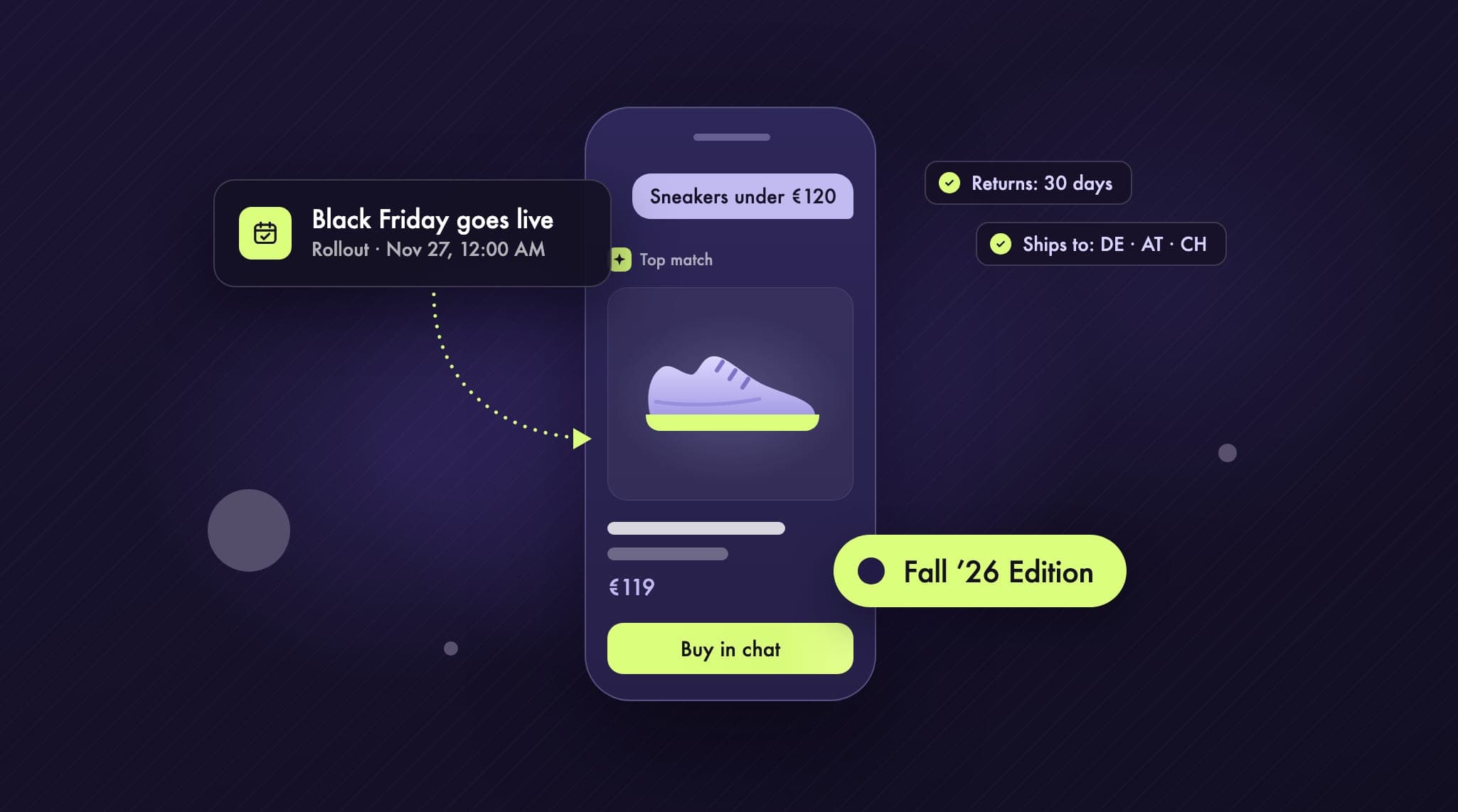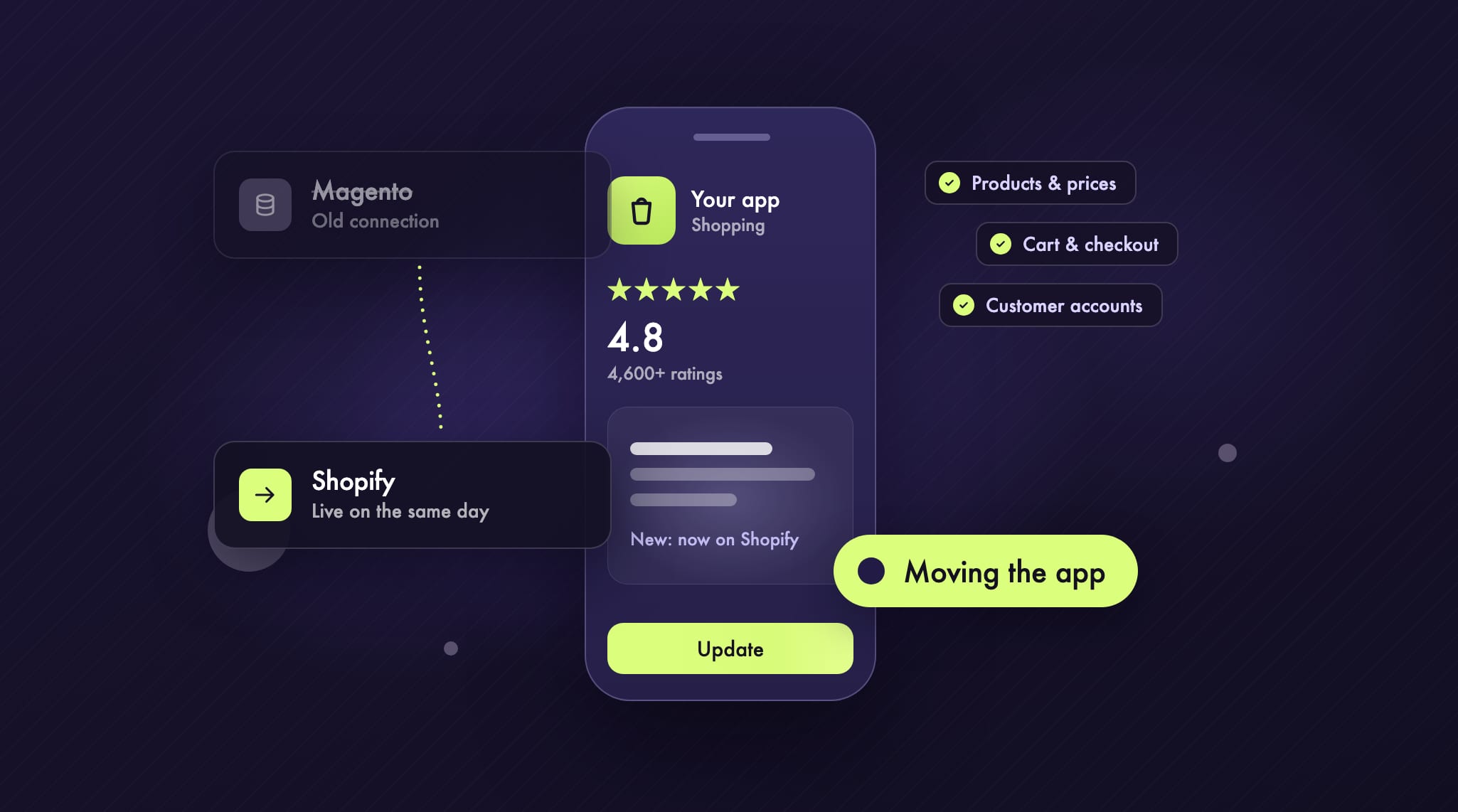
When a store moves from Magento to Shopify, the plan covers products, customer data, order history and redirects. The shopping app tends to sit at the bottom of that list. Yet it depends on the old store just as much as the website does: products, prices, cart and customer accounts all come from Magento. Once Magento is switched off, the app stops showing products and stops taking orders.
We went through this with Hagel. We built their app from scratch while the store was still running on Magento. Later Hagel moved to Shopify, and we moved the app with it. It went live on the same day as the new store, with the same ratings in the App Store. This article covers what happens to the app during the move and what to settle before you switch. As of November 2026.
Why the app doesn’t move by itself
A shopping app is not a copy of your website. It talks to the store system directly through APIs: it requests products and stock, creates carts, signs customers in and submits orders. With Magento, those requests go to Magento’s APIs. Shopify has its own, mainly the Storefront API, and they work differently.
So after the move, the app keeps calling a system that no longer exists. To keep it running, its connection has to be switched to Shopify. How much work that is depends on how the app is built. If the logic for products, cart and accounts lives in one place, it can be swapped without touching design or features. If it is spread across the whole app, the move turns into half a rebuild.
That is why we set up the Hagel app from day one so it could follow a later platform change. We build every app that runs on Magento this way.
Three options for your app
Once the move is decided, you have three basic options for the app:
Switch the connection: The existing app gets a new connection to Shopify. Design, features and the App Store listing stay, and your customers get an update. This is what we did for Hagel.
Build a new app: Worth it if the old app has poor ratings, hardly anyone uses it, or it can’t be saved technically. Allow enough time for the new app to be ready when the store launches.
Switch to an app builder: There are ready-made app builders for Shopify with a monthly fee. They are quick to set up, but design options are limited. Our page on shopping apps for Shopify explains how they differ from an app of your own.
With options 2 and 3, ask a question that often gets missed: will the new app ship as an update to the old one, or as a new app in the store? Ratings belong to the listing in the App Store and on Google Play. Publish under a new listing and you start from zero ratings, and your customers have to download the app again. For Hagel that meant more than 4,600 ratings at 4.8 stars. We didn’t want to lose them.
What changes in the app and what stays
If the connection is switched cleanly, your customers barely notice. Behind the scenes, quite a lot changes:
Products, prices and stock come from Shopify after the move. You manage them there and the app follows automatically.
Cart and checkout run through Shopify checkout. You set up payment methods and shipping rules once in Shopify, and they apply to both store and app.
Customer accounts move with the store. In the app, customers then sign in with a one-time code sent by email instead of their old password. Announce this ahead of time, or your customer service will get the questions.
Design and features stay. Where Shopify handles something differently from Magento, such as discounts or free gifts, we rebuild it so it looks the same in the app.
Push notifications keep working. Customers gave push permission to the app, not to the store, and it is still the same app.
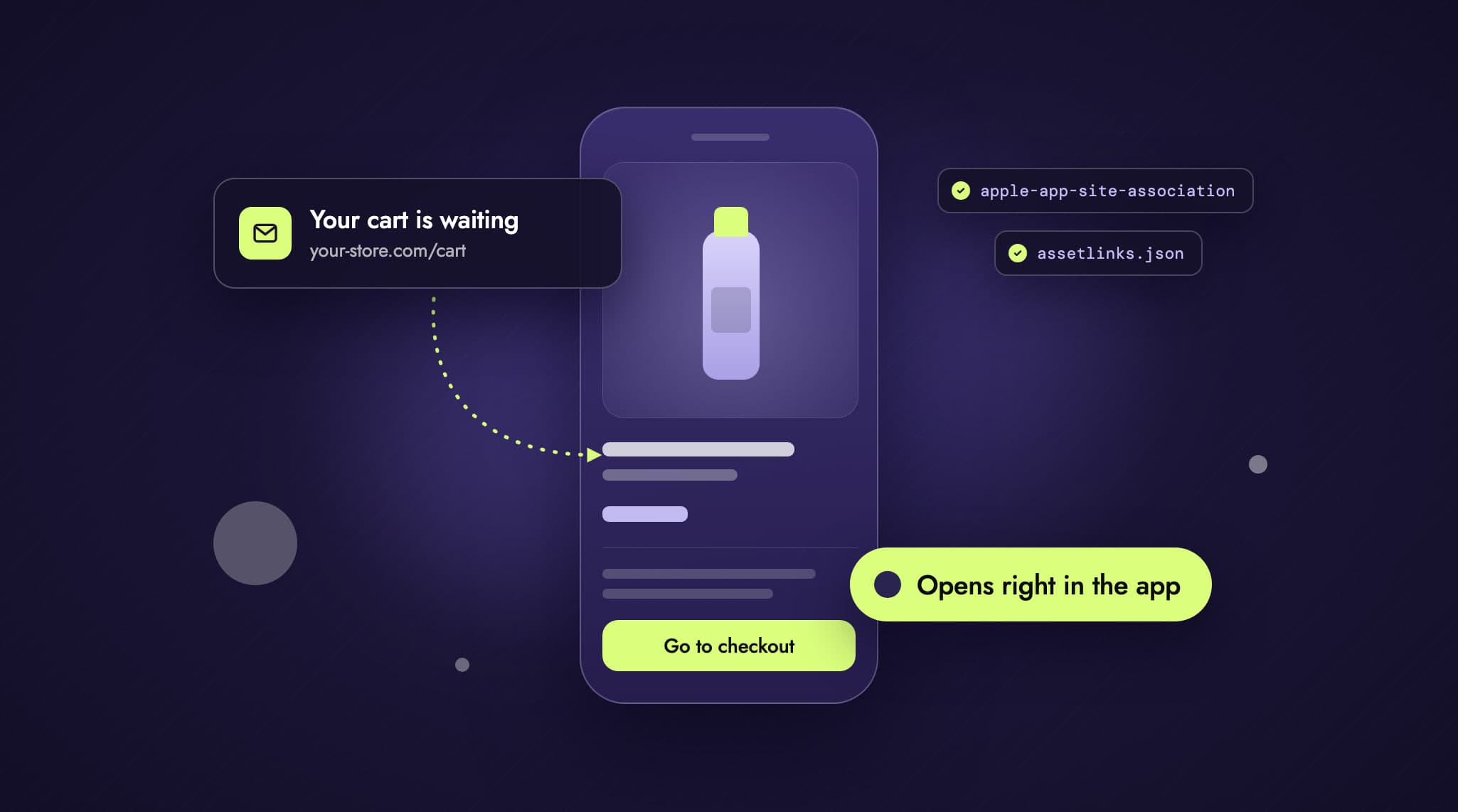
Links in old newsletters, push notifications and social posts still point to Magento URLs. The app should recognise them and send people to the matching Shopify pages. How links from emails and social media open directly in the app is covered in our article on Universal Links and App Links with Shopify.
Free gifts and other special cases
Products and cart are rarely where the work is. It piles up wherever Magento relied on extensions or custom logic. For Hagel, that was free gifts with purchase: above a certain order value, or when buying certain products, customers get something extra. Magento handled this differently from Shopify, and after the move the app had to show it just as clearly as before.
Typical special cases include:
free gifts, tiered discounts and conditional vouchers
prices that apply only to certain customer groups
loyalty programmes and points, if the provider changes
product configurators and bundles
several countries, languages and currencies
Go through this list early. For each item, decide how Shopify will handle it from now on: built-in features, an app from the Shopify App Store, or custom development. Only then can you say what the app needs.
Timing: app and store go live on the same day
Aim for the app to switch to Shopify on the same day as the store. If the store launches first, the app is calling a system that is gone. If it launches later, there is nothing for the app to talk to. That leads to a few planning rules:
Build in parallel: The app is built against the new Shopify store while it is not yet public. As soon as products and test accounts are in place, work on the app can start.
Allow for Apple and Google review: Every new app version has to pass store review. Submit it well before launch day and release it when the store goes live.
Think about older app versions: Not everyone installs updates right away. Older versions keep talking to Magento after the move. Plan a prompt asking people to update, or a minimum version below which the app won’t start.
Plan the handover: Decide how long the old version needs to keep working. For Hagel, the Magento and Shopify versions of the app ran side by side for a short time.
Hagel’s app launched on schedule, on the same day as the new store.
Checklist before the move
Put the app into the migration plan from the start, with its own launch date.
Make sure the app keeps its existing listing in the App Store and on Google Play so the ratings stay.
List every feature that depends on Magento extensions and decide how Shopify will handle each one.
Prepare the new sign-in and tell customers in advance by newsletter or in the app.
Redirect old links from newsletters, push notifications and social media to the new URLs.
Add an update prompt or a minimum version for older app versions.
After launch, check orders, push and tracking from the app, including on older devices.
Planning a move to Shopify?
Then put the app into the plan right away. What we build for stores on Magento and Adobe Commerce is on our page about shopping apps for Magento. How the store itself moves, from attributes to redirects, is described on Magento to Shopify. The full story of the Hagel app, from 1.3 to 4.8 stars and around 20% of revenue after the first year, is in the Hagel case study.
Want to know what the move means for your app? Get in touch and we’ll go through it together in a free initial call.